I take pictures for a living as a professional blogger and, as a member of the Collective Bias® Social Fabric® Community, I have been compensated as part of a social shopper insights study for them (Collective Bias) and their client. #SocialCamera This compensation allowed me to purchase a new Compact System Camera with Wi-Fi Direct and 14.2 MP images…the Samsung WB200.
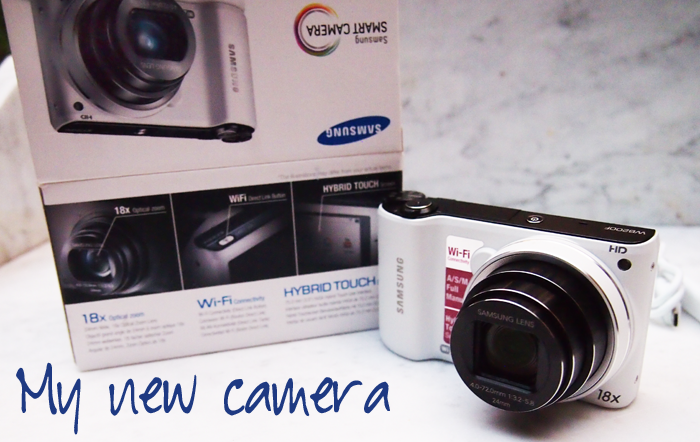
I carry a lot of stuff with me every time I walk out my door. You never know what might be a blogable moment…so, like a good scout, I must always be prepared!!! Part of that preparation is a good camera. Now I love my big (insert heavy) DSLR cameras. They take beautiful shots. But they are so darned heavy to carry around. The WB200, one of the new Samsung Smart Cameras with built-in WiFi connectivity, weighs under 7 oz. (Shipping Weight in pounds: 0.41). That is the best feature/benefit for me because I never leave home without – my smart phone, my new smart camera, tripod, a tablet, driver’s license, debit card, cash, lip gloss and a bottle of water.
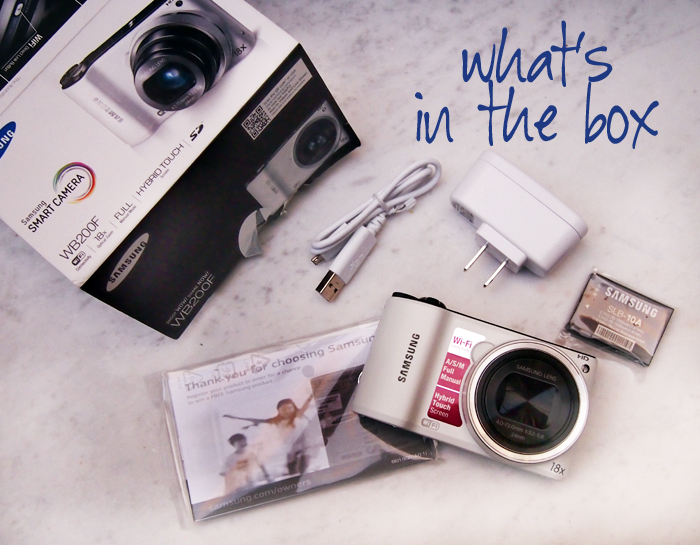
But don’t let the size fool you…this compact camera takes high performance to another level. It isn’t called ‘smart’ for no reason. It actually connects via WI-Fi to your smart phone, tablet or computer. Just shoot and send, much like your cell phone except you have a higher-quality image and video. {14.2 megapixel resolution and 720p HD Movie Recording}.
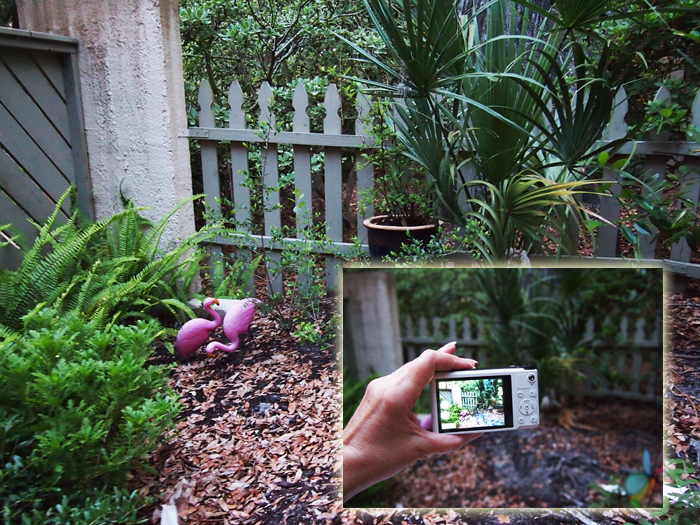
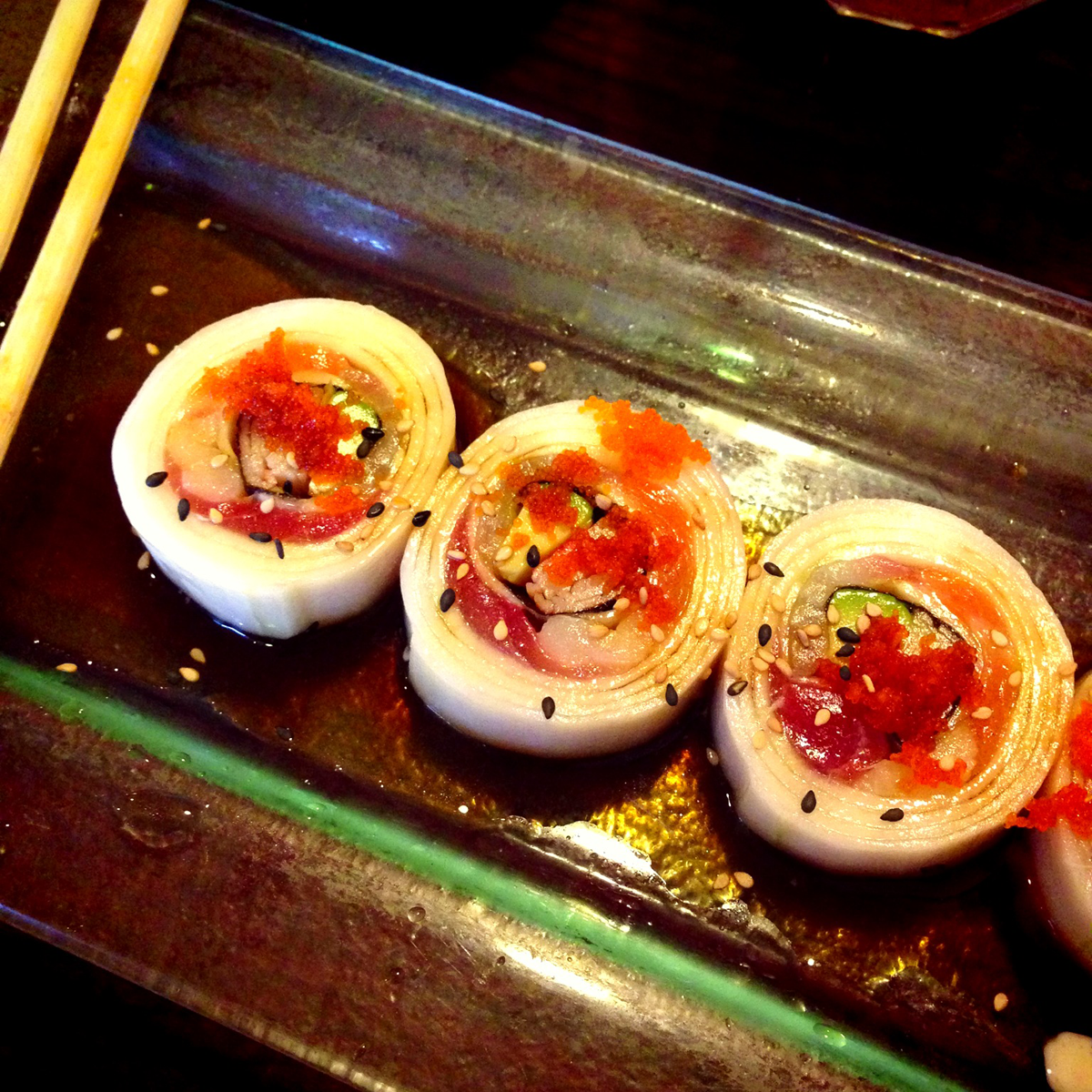
Speaking of quality images….
 |
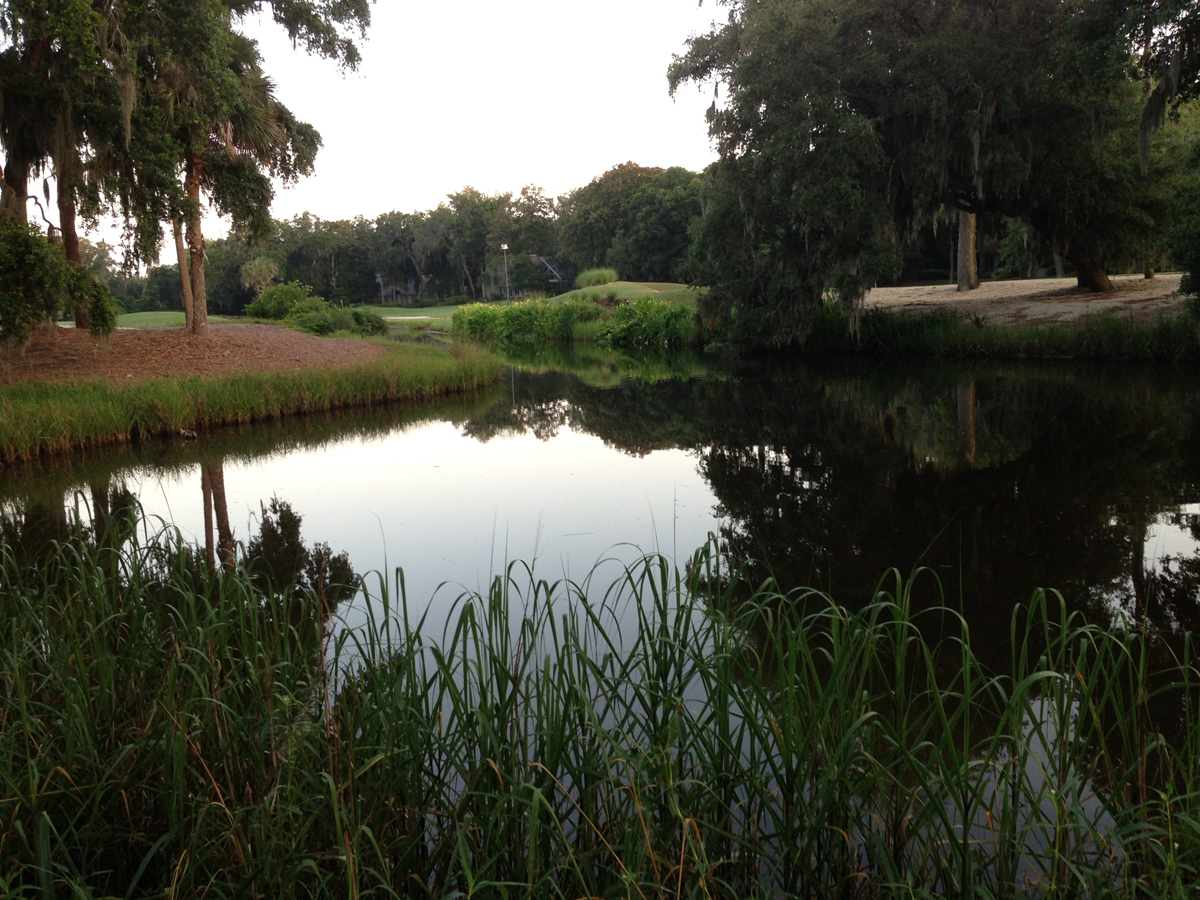 |

The powerful 18x optical long zoom lens gets you to the action practically instantly. Or take in the entire scene with its vivid 24mm Wide Angle optics. Then share your images directly from the Wireless Camera by email or back up images to your computer. How cool is that?
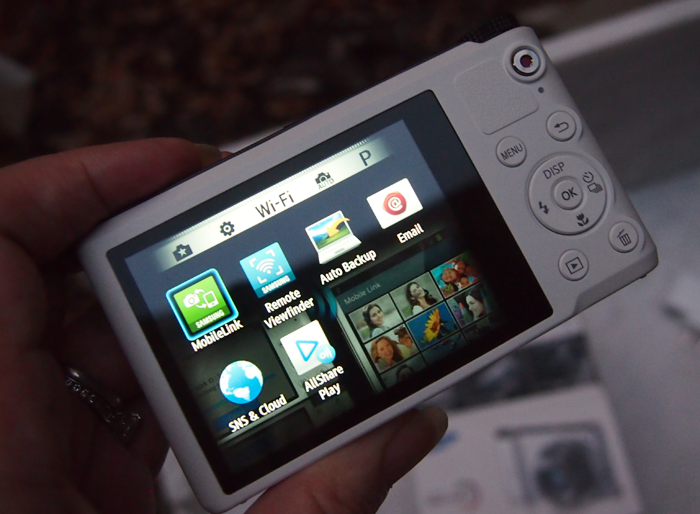
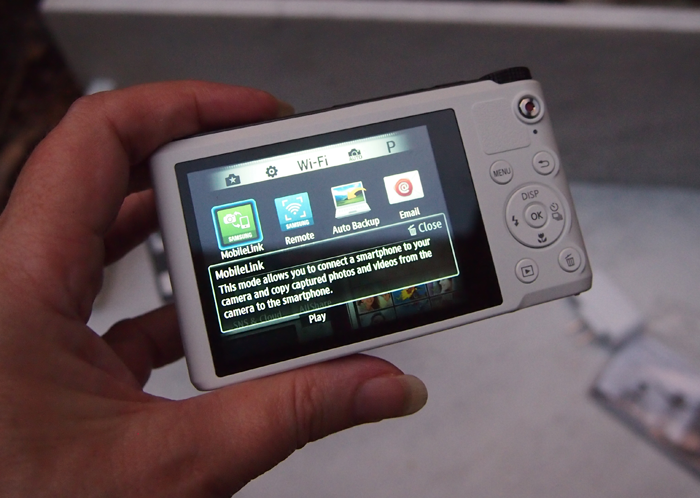
I am enamored with the Mobile Link and the PC Auto Backup features. It has built-in Wi-Fi which, in conjunction with Samsung’s Smart Camera App for Android and iOS, lets you share your photos instantly. And that is a big plus for bloggers who sometimes need to share their photography immediately. Image sharing is automatic, convenient, and simple. One of the nicest features is that large, 3-inch touch screen. Just tap and select from a wide variety of modes and functions.
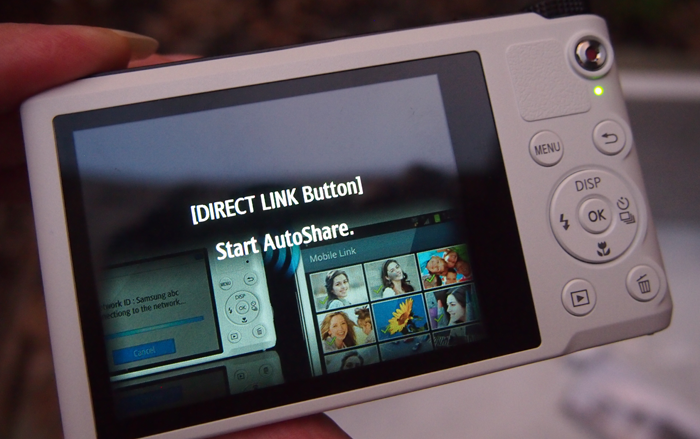
The dedicated DIRECT LINK hot key helps you quickly connect to Wi-Fi networks. The other buttons: AutoShare, Social Sharing, Cloud, email and Samsung Link let you share memories with friends, family and clients. Features including, Software Upgrade Notifier, the Samsung SMART CAMERA App, MobileLink and Remote Viewfinder make it easy to connect to your smartphone and/or tablet via the Samsung Smart Camera App!
 |
 |
 |
 |
 |
 |
Capturing the Memories
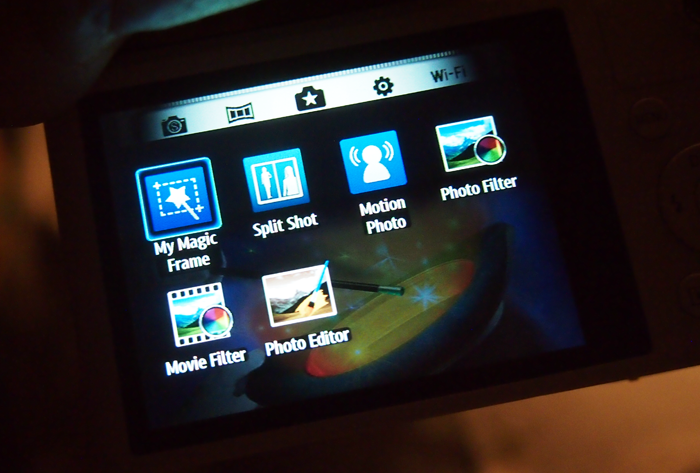
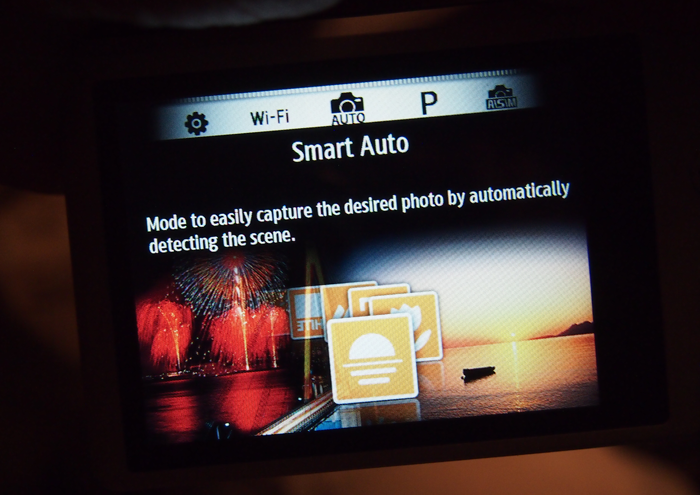
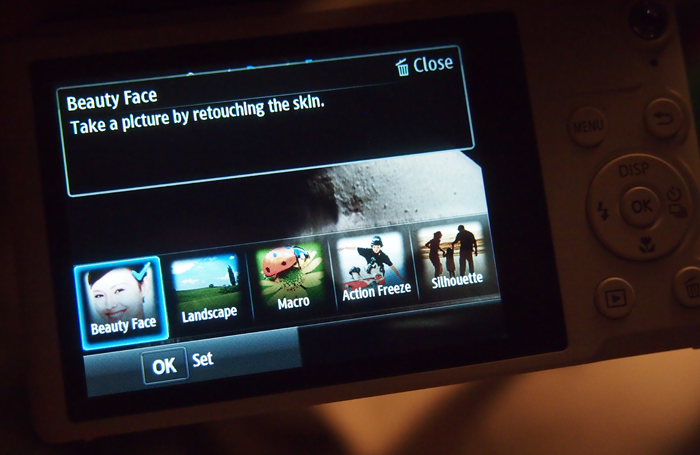
With this camera I was quickly taking great shots. A quick tap of Smart Mode screen gave me access to various special and fun modes. {Auto: Portrait, Night Portrait, Night, Backlight Portrait, Backlight, Landscape, White, Macro, Macro Text, Tripod, Action, Macro Colour, Natural Green, Blue Sky, Sunset, Fireworks, lowlight, spotlight, spotlight macro, spotlight portrait.} On Smart Auto mode the camera takes the photograph based on its assessment of the environment. {Smart : Beauty Face, Action Freeze, Sunset, Landscape, Silhouette, Fireworks, Night, Macro, Magic Plus1 : My Magic Frame, Split Shot, Motion Photo, Photo Filter, Movie Filter, Photo Editor }You can also capture a high-speed action scene with Action Freeze. Motion Photo freezes the action around a moving subject to create a fun scene. Simply shoot the footage, and then rub the area on the display where you want keep the movement. The photo around it will freeze—it’s that easy. Rich Tone creates extraordinarily surrealistic photos with colors that pop and express your artistic side. Just choose the one you want and shoot. The camera has many options for creativity. You know I love that!!!
Best Face Might be My Favorite Mode
With the Best Face feature you can open closed eyes, replace a smile or find that perfect expression. With the combination lightning fast burst shots and facial recognition, you can simply tap a face that’s looking the other way, and tap again to replace it with expressions taken moments before the actual shot. It really is magic.
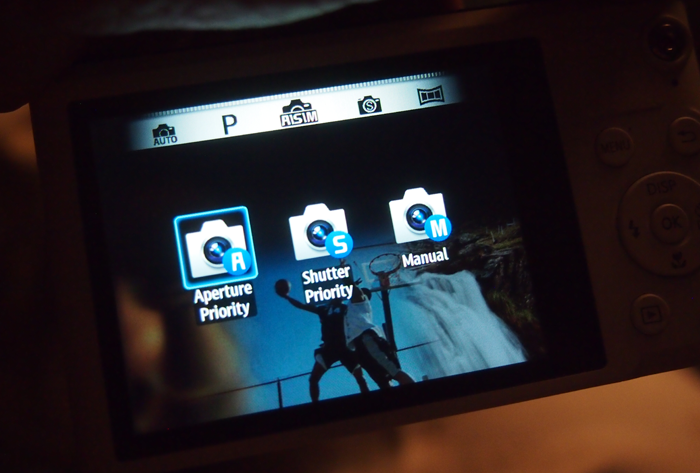
Full Manual Mode (A / S / M)
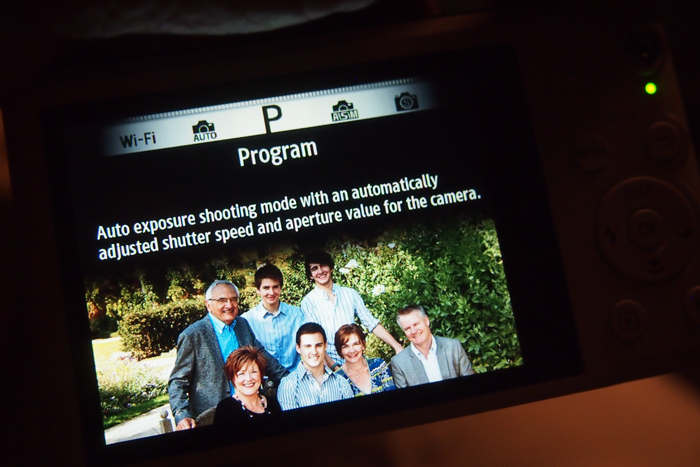
Now for those of us who like full control of image creation, the WB200 has Full Manual (A/S/M) capabilities. Aperture Priority and Shutter Priority settings let you experiment with shutter speeds and depth of field. Smart Auto : 1/8 ~ 1/2,000s, Program : 1 ~ 1/2,000s, Night : 8 ~ 1/2,000s, Manual : 16 ~ 1/2,000s.
This compact camera has a lot to offer. See my shopping trip for this camera. The WB200 is compatible with PC and Mac and has a 1-year limited manufacturer warranty.
Follow Samsung on Facebook and Twitter to see about all the smart cameras!

Which app did you download for that camera?
I love that it has an auto option, a smart option, and in-between settings for giving the camera a little data and letting it do the rest of the thinking for you.
Samsung Smart Camera App!!!!